Mage Camp packs a lot into a short window: talks to choose between, fringe events the day before, sponsors to meet, and a building full of Magento and Adobe Commerce merchants worth talking to.
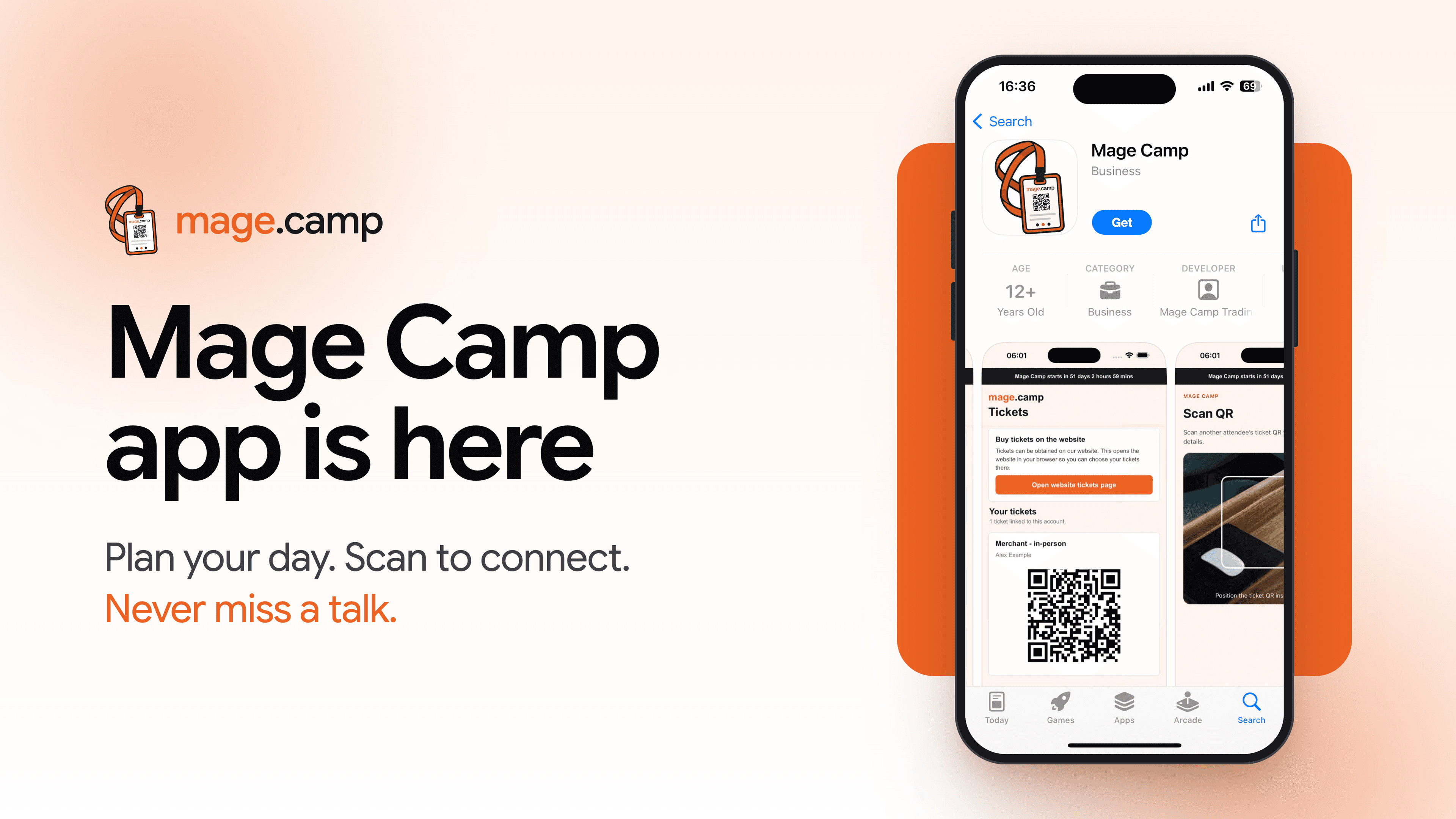
The Mage Camp app puts all of it in one place, so you spend less time looking for information and more time in sessions and conversations. Here's what it does and how to get set up before you head to Manchester.
Download the Mage Camp app:
What you can do with the Mage Camp app
The app is built around the things attendees ask us about most in the run-up to the event and on the day itself. Here's what each part does, and where it helps.
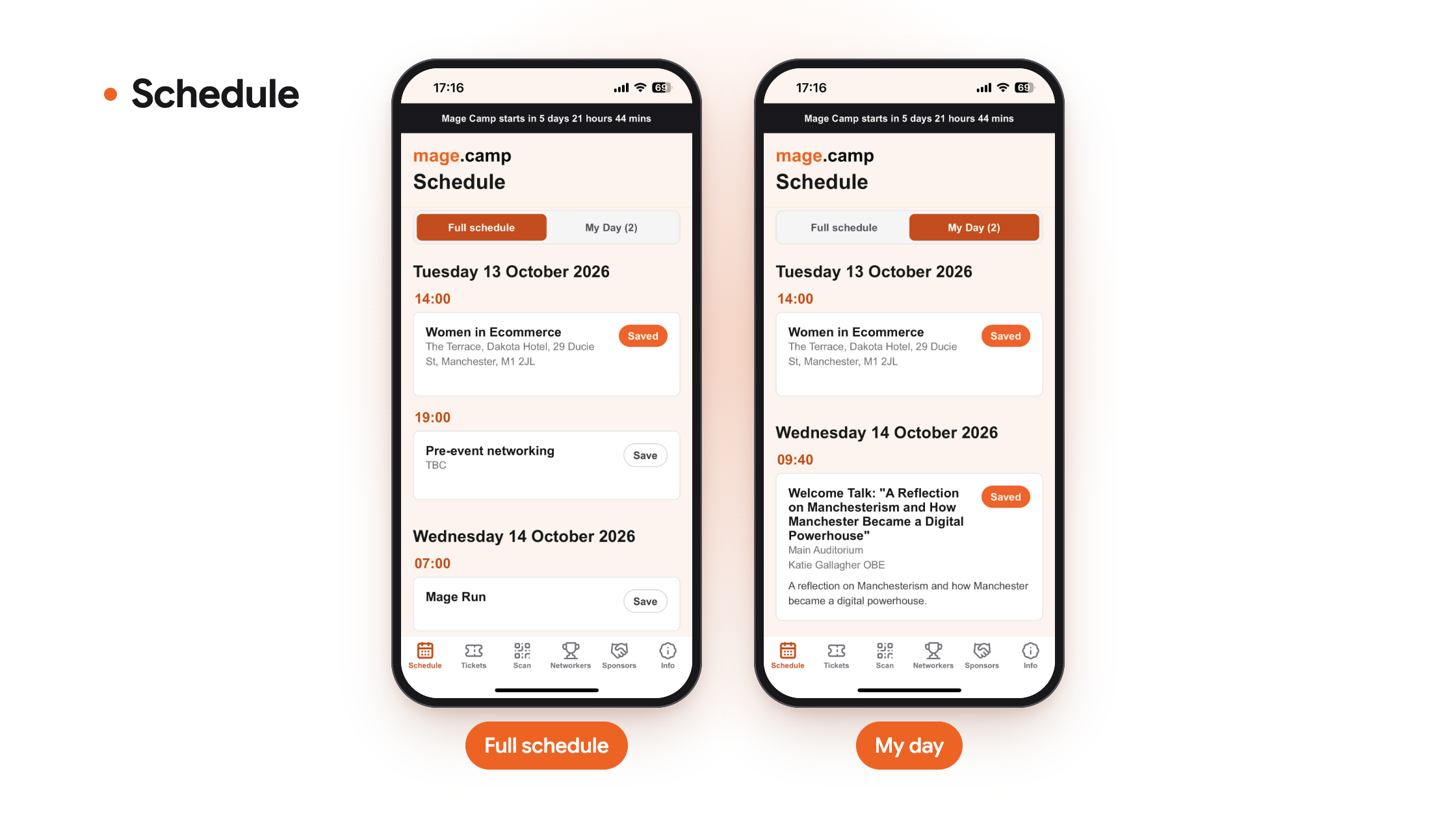
1. Plan your day: Browse the full schedule for 13 and 14 October by time and room. Tap “Save” on any session, and it goes into “My Day”, your personal agenda, so you can choose between overlapping talks before you arrive.
2. Get reminders for saved talks: The app reminds you before each session you've saved, so a good conversation over coffee doesn't cost you the talk you came for.
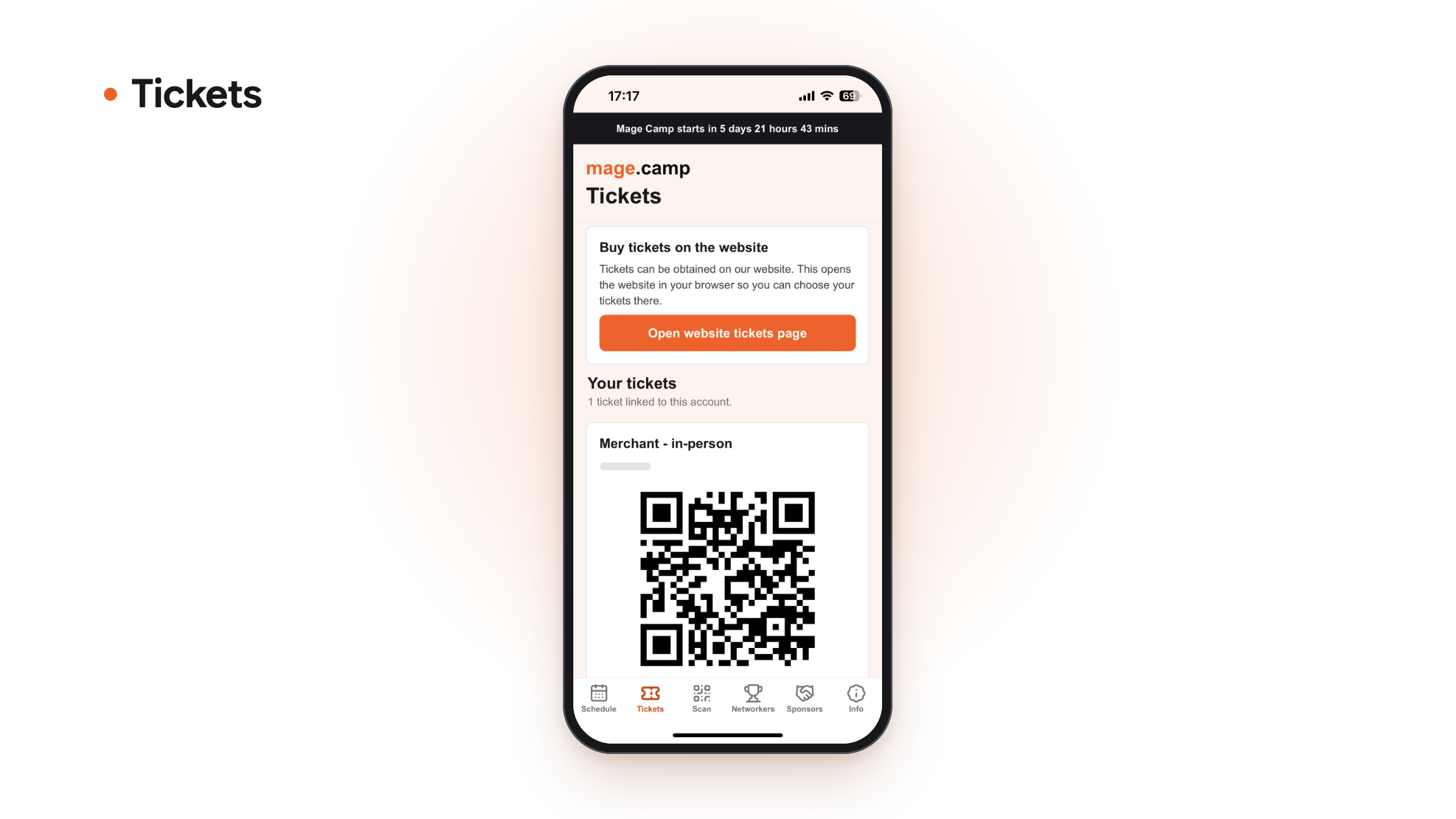
3. Keep your ticket to hand: Your ticket and its QR code sit in the “Tickets” tab, ready when you arrive at Sister.
Note that: once the app opens, check that your ticket shows under “Your tickets”. If it doesn’t:
- Check you’re signed in with the same email you used to register.
- Look for your confirmation email with the subject “Your Mage Camp ticket order | 14 Oct in Manchester”. If you’ve received it, your order has gone through, and your place is booked.
- Still unsure? If your ticket is missing from the app or your inbox, email us at [email protected] or send us a message on LinkedIn, and we’ll sort it out.
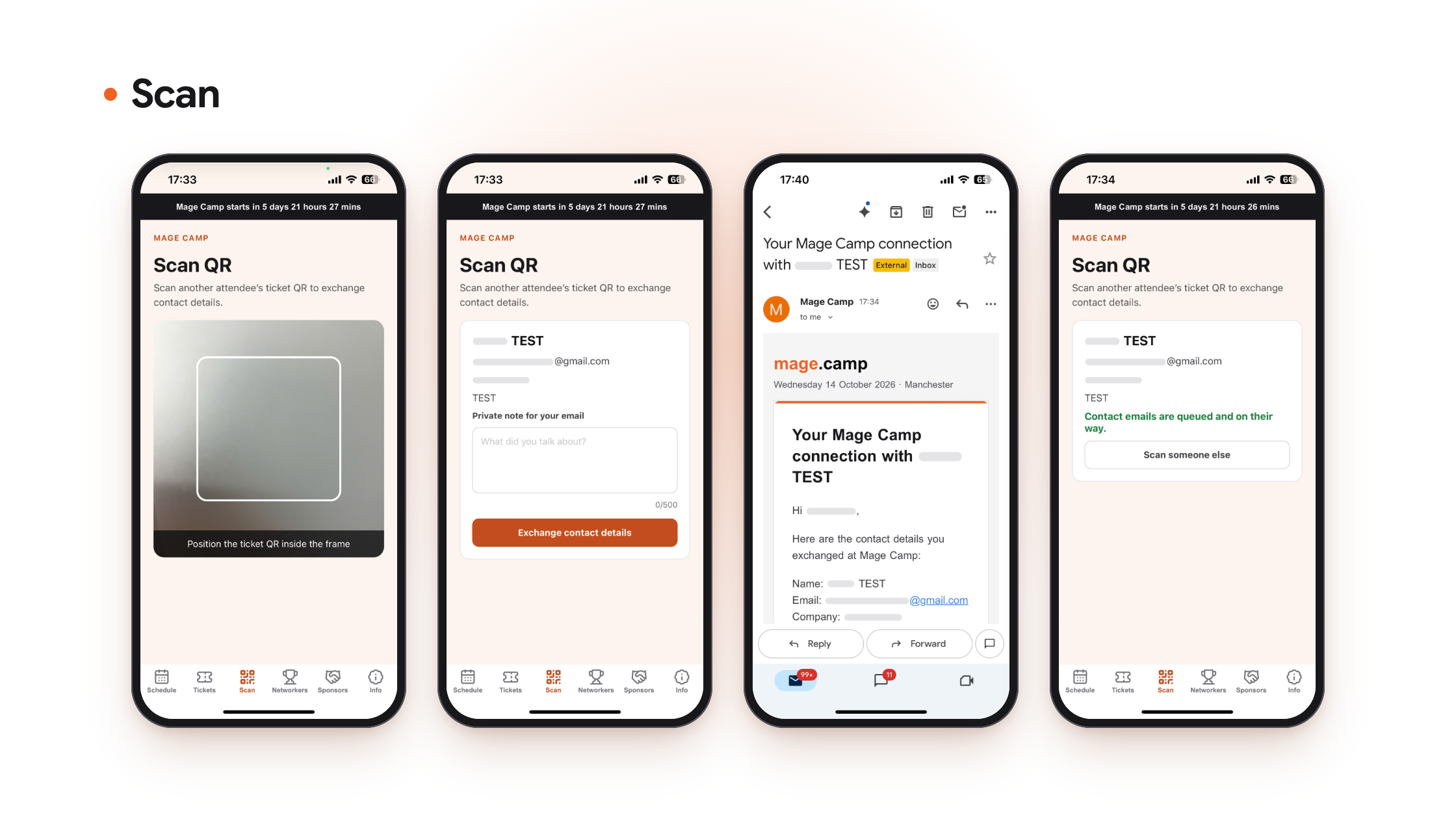
4. Connect by scanning a badge:
Meet someone worth staying in touch with? Here’s how it works:
- Scan their badge: open the “Scan” tab and scan the QR code on their badge or on the ticket in their Mage Camp app.
- See their details instantly: their contact information appears straight away.
- Add a private note: jot down what you talked about or what to follow up on. Only you can see it.
- Get everything by email: your contacts and notes are sent to your inbox, so you leave Mage Camp with a ready-made follow-up list instead of a pocket full of business cards.
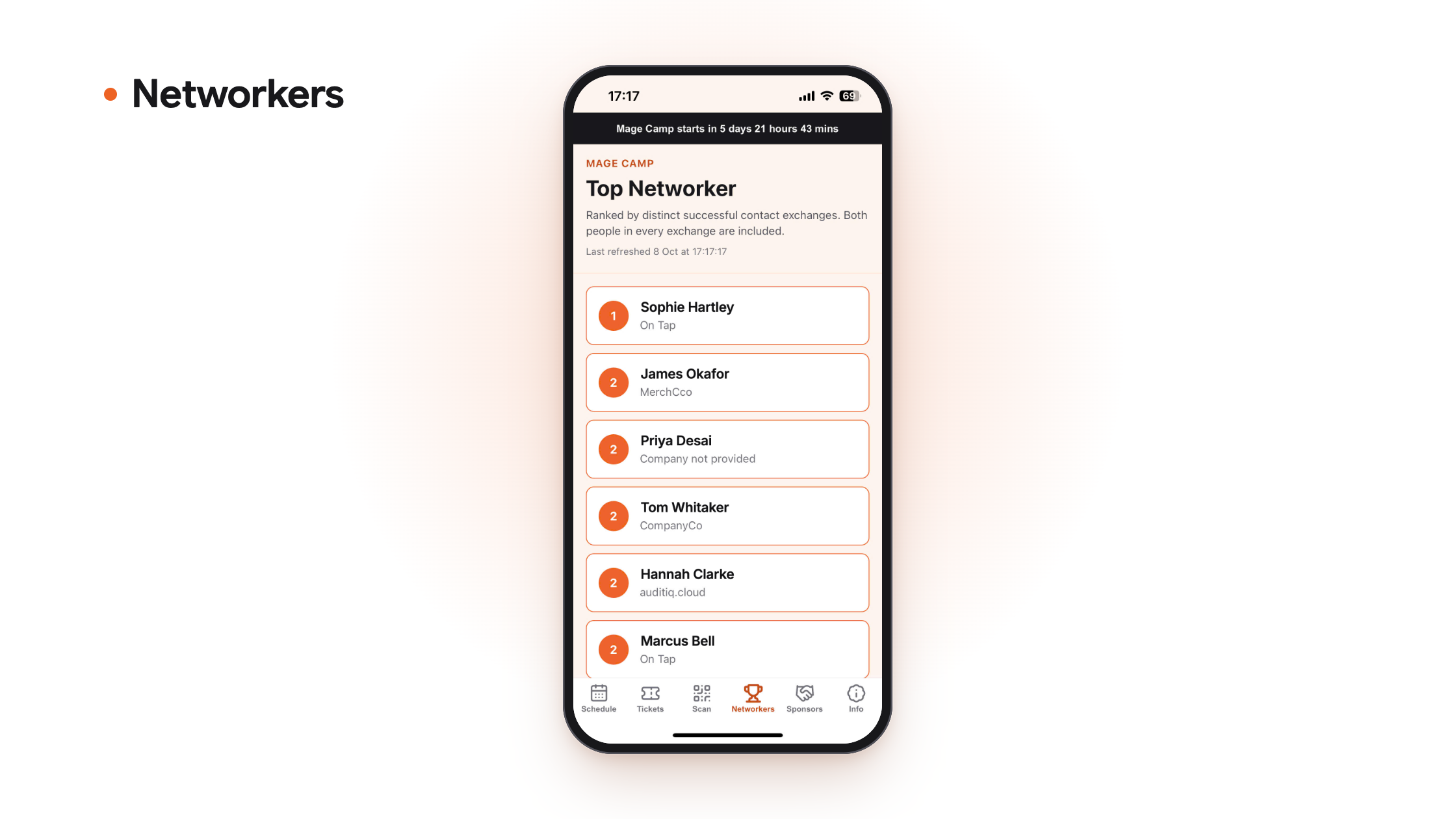
5. See the Top Networkers: The “Networkers” tab shows the attendees making the most connections at Mage Camp. It's a good reason to keep scanning, and a quick way to spot the people who are out meeting everyone.
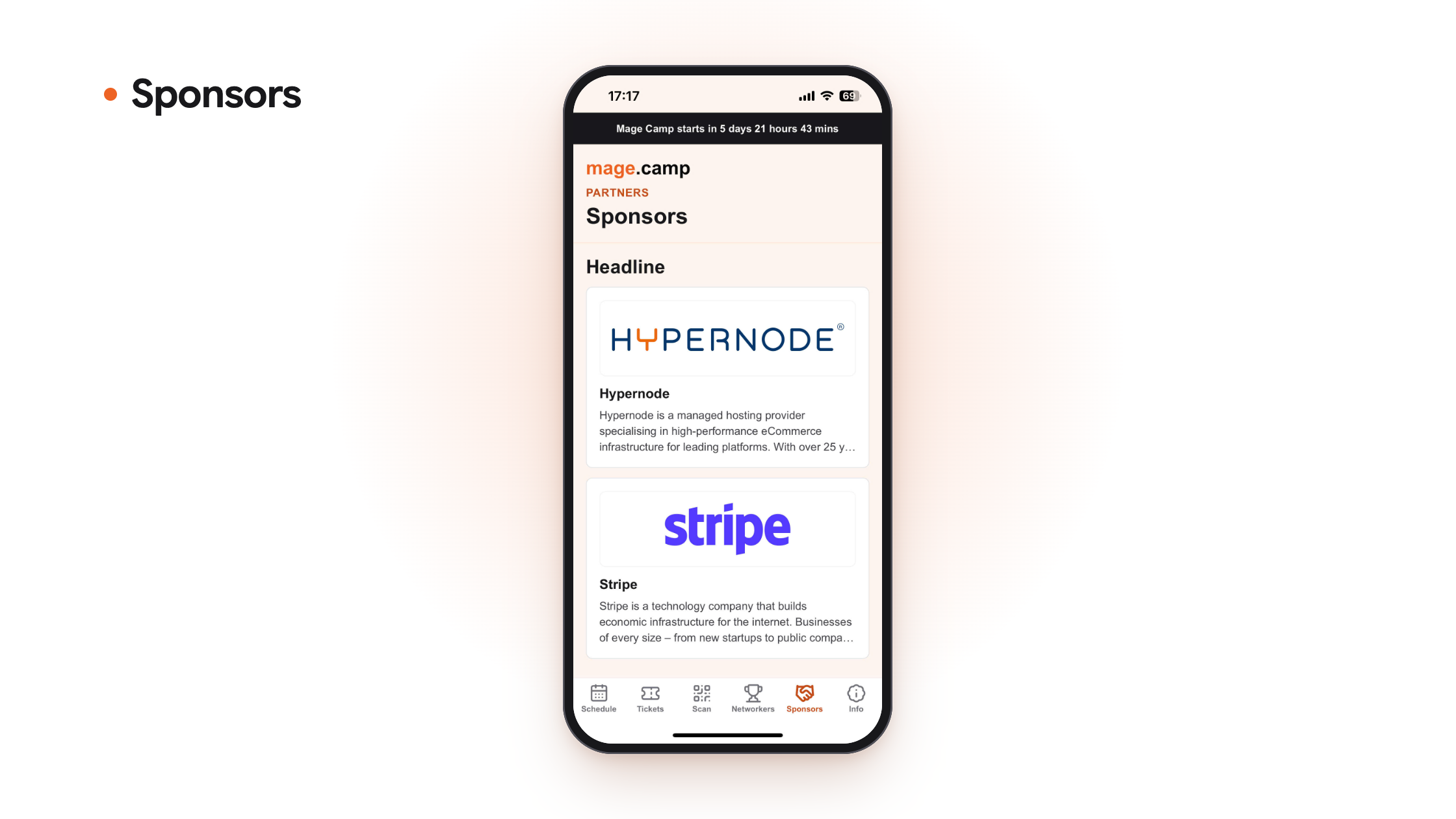
6. Find the sponsors: The “Sponsors” tab lists the companies supporting Mage Camp this year, so you can see who's there and plan which stands to visit.
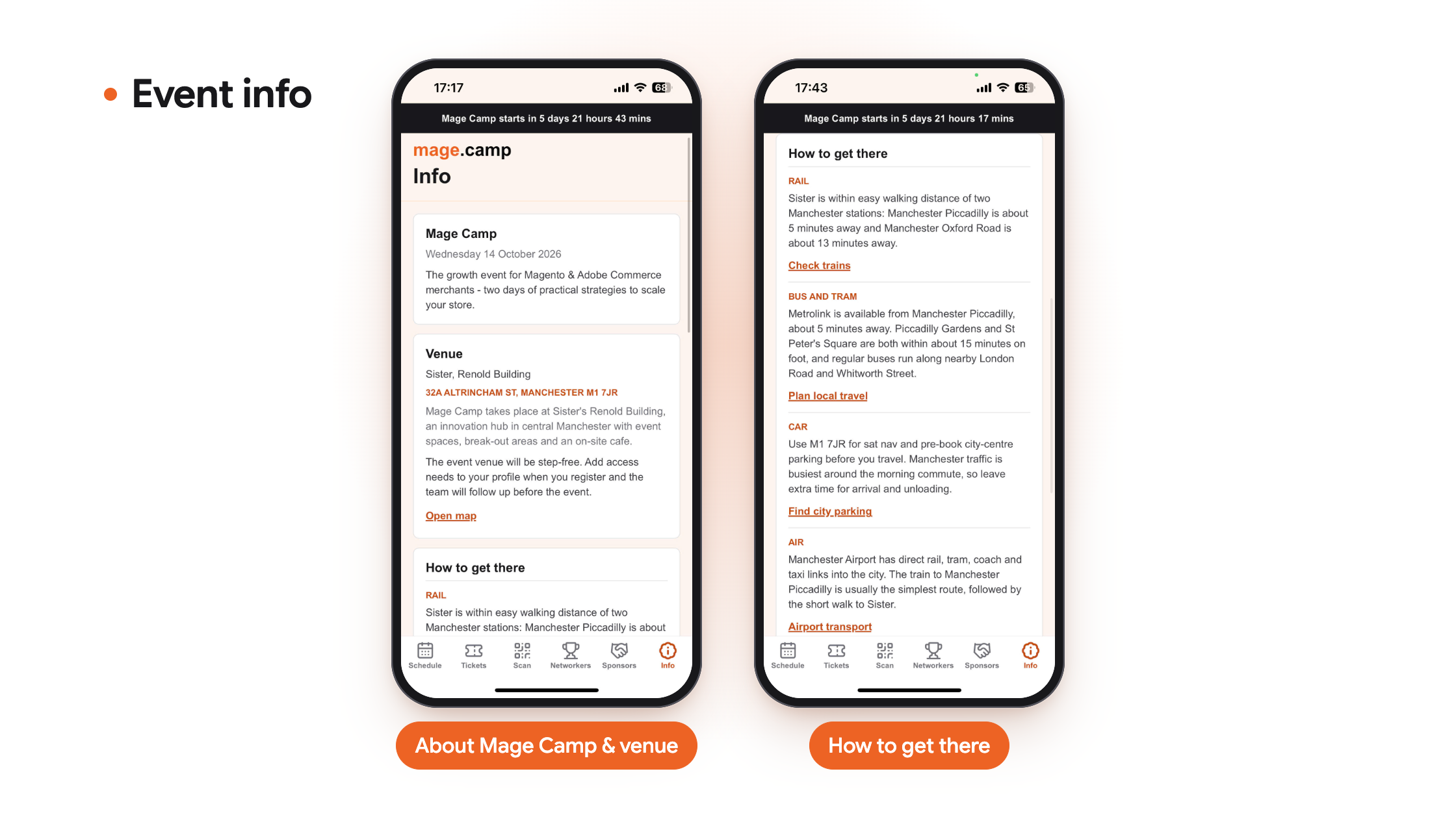
7. Venue and travel information: The “Info” tab has the venue address (Sister, Renold Building, 32A Altrincham St, Manchester M1 7JR), walking times from Manchester Piccadilly and Oxford Road, bus and tram options, and a map link. The venue is step-free.
8. Works offline: Your schedule, ticket, sponsors and venue information stay available without a connection, which helps on the train and on busy venue Wi-Fi. Signing in, scanning badges and the Top Networkers leaderboard need an internet connection.
Note that: if you download the app now and can't sign in yet, nothing is wrong. Download it, and it will be ready when we open it very soon before the event.
How to get started
1. Download the app now from:
2. Sign in with your Mage Camp account once the app opens. This gives you access to your ticket, saved talks and networking features.
3. Check your ticket in the Tickets tab. You should see it listed under "Your tickets".
4. Save the talks you want to see and check My Day.
5. Allow notifications so you get reminders for your saved talks.
Frequently asked questions
1. I've downloaded the app but can't use it yet. Why?
The app opens around a day before Mage Camp. Keep it installed, and it will be ready when we open it.
2. I haven't got a ticket yet. What should I do?
Head to mage.camp/tickets, or tap “Open website tickets page” in the app’s “Tickets” tab. From there, choose your ticket and complete your order, and a confirmation email will land in your inbox shortly after.
- If you’re a verified merchant, your ticket is free.
- Agencies and vendors are welcome too, with tickets available for £75.
Whichever ticket you choose, you’ll also get unlimited access to the session recordings and new practical content after the event, so nothing you miss on the day is lost.
3. My ticket isn't showing in the app.
First, open the “Tickets” tab at the bottom of the screen. Your ticket appears there, not on the main screen you see after signing in.
If you’ve registered, you’ll have received an email with the subject “Your Mage Camp ticket order | 14 Oct in Manchester”. This means your order has gone through and your QR code has been issued. If your ticket still isn’t in the app, check you’re signed in with the same email you used to register.
If you haven’t received that email, your registration may not have been completed. Try registering again at mage.camp/tickets, or contact us at [email protected] or on LinkedIn and we’ll help.
4. Who can see my contact details?
Contact details are exchanged by mutual QR scan, so they're shared when you and another attendee scan each other's tickets. The information will include: your name, email address, company name, and your role.
5. Do I need an internet connection?
Only for signing in, scanning badges and the Top Networkers leaderboard. Your schedule, ticket, sponsors and venue info stay available offline.
Download now and be ready on the day
The talks are half of what makes Mage Camp worth the trip. The other half is the people you meet between them. The app is there to help with both.
Download it now so it's ready when it opens. If you haven't registered yet, claim your ticket at Mage Camp and join us at Sister in Manchester on 14 October.